GeneratePress AI
Build your site
by talking to it.
Connect the AI you already use and ask for the page you need. It builds with your site’s own styles, and every page arrives as a draft for you to review.


Frames for long,
sunny days.
Four frames cut for sun, sea and late light, each with polarized lenses.
Shop the collectionoff

Small plates,
long evenings.
Seasonal cooking in a candlelit room on Harbor Street, with a wine list to match.
See the menusHomes with room
to grow.
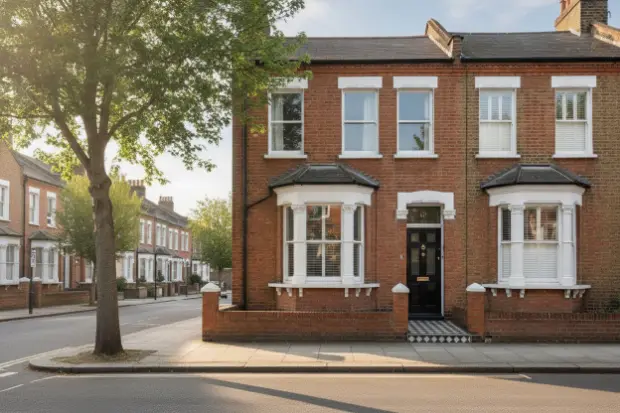
4 beds · 1,860 sq ft

3 beds · 1,240 sq ft
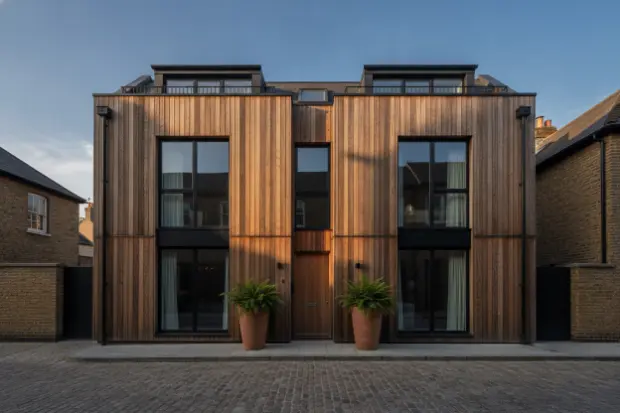
2 beds · 910 sq ft

Your first
marathon,
coached.
A plan built around your week, and a coach who checks in after every long run.
A new session plan every Monday, free.
Works with Claude, Codex, Cursor and any other AI app that supports MCP.
It builds what GeneratePress builds.
Ask for more than a page. Your AI can build the header, the footer, the form and the popup around it, and the colors and styles they all share.
Pages and posts
Whole pages and posts, built from GenerateBlocks blocks and your own patterns.
Headers and footers
Your site’s header and footer, with the menus inside them.
Colors, type and styles
Your colors and sizes as design tokens, styles every page can share, and Google Fonts installed for you.
Lists that fill themselves in
Lists of your posts, or any other content, that show each item’s own details.
Rules for what shows where
Conditions that show a block only on the pages, or to the visitors, you choose.
Forms
Contact, sign-up and inquiry forms, ready to place on any page.
Popups and panels
Popups, slide-out panels and mega menus, built with Overlay Panels.
What clients can edit
Editor Access profiles that decide what each client role can change, as drafts for you to publish.
Built right, every time.
Everything it makes opens in the editor as ordinary GenerateBlocks blocks you can change by hand. Your AI never writes your page’s code. It describes the page, and GeneratePress AI checks it against the blocks you have installed before building it.
You ask.
Describe what you need in the AI app you already use.
Your AI plans it.
It picks the blocks, your patterns and your styles, and describes the page.
GeneratePress AI checks it.
Anything your installed blocks don’t support goes back to your AI to fix.
WordPress gets real blocks.
The page is saved as a draft, made of the same blocks you’d use yourself.
Nothing goes live without you.
- Pages, posts, forms, popups, headers and footers arrive as drafts, and you publish them in WordPress.
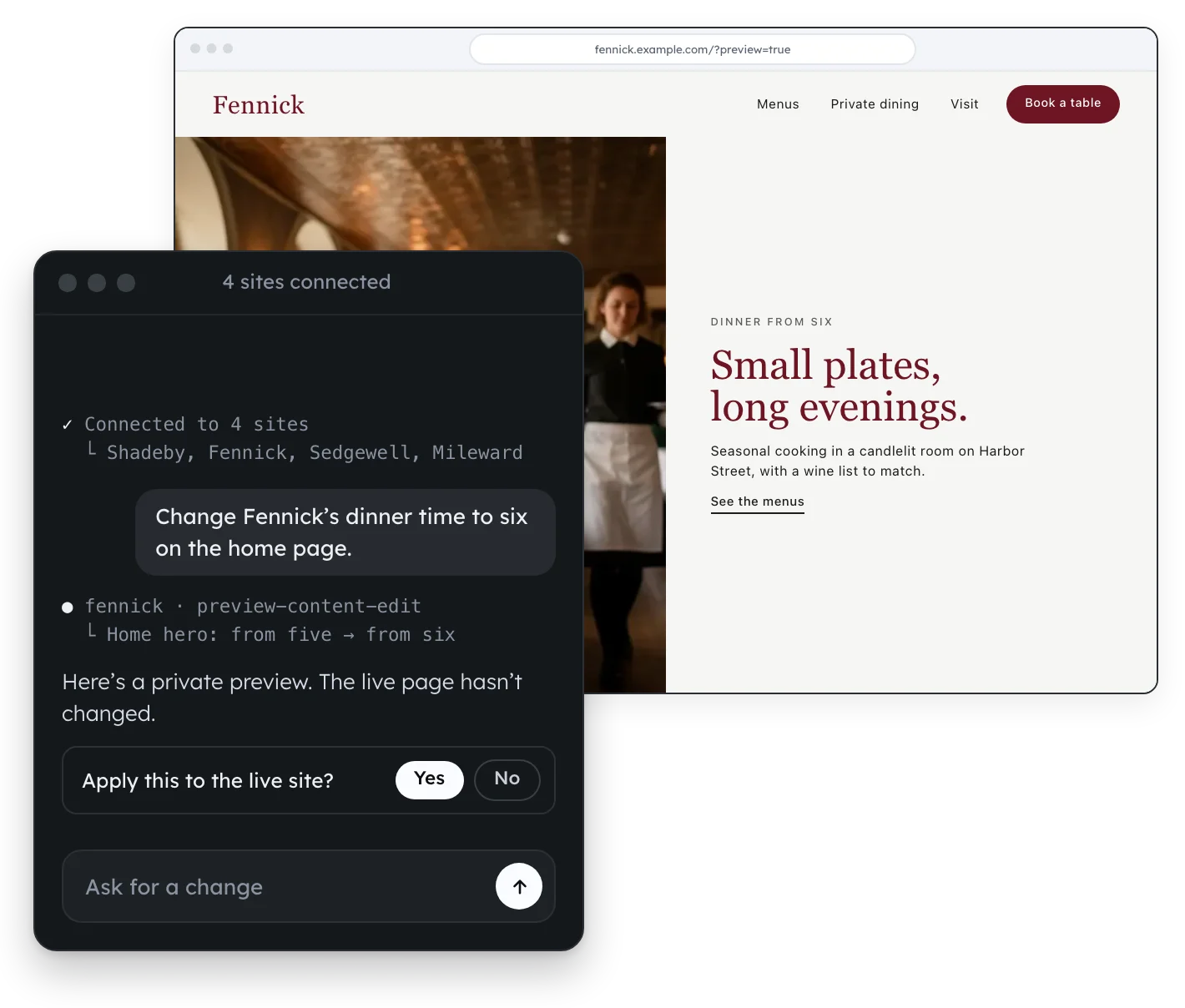
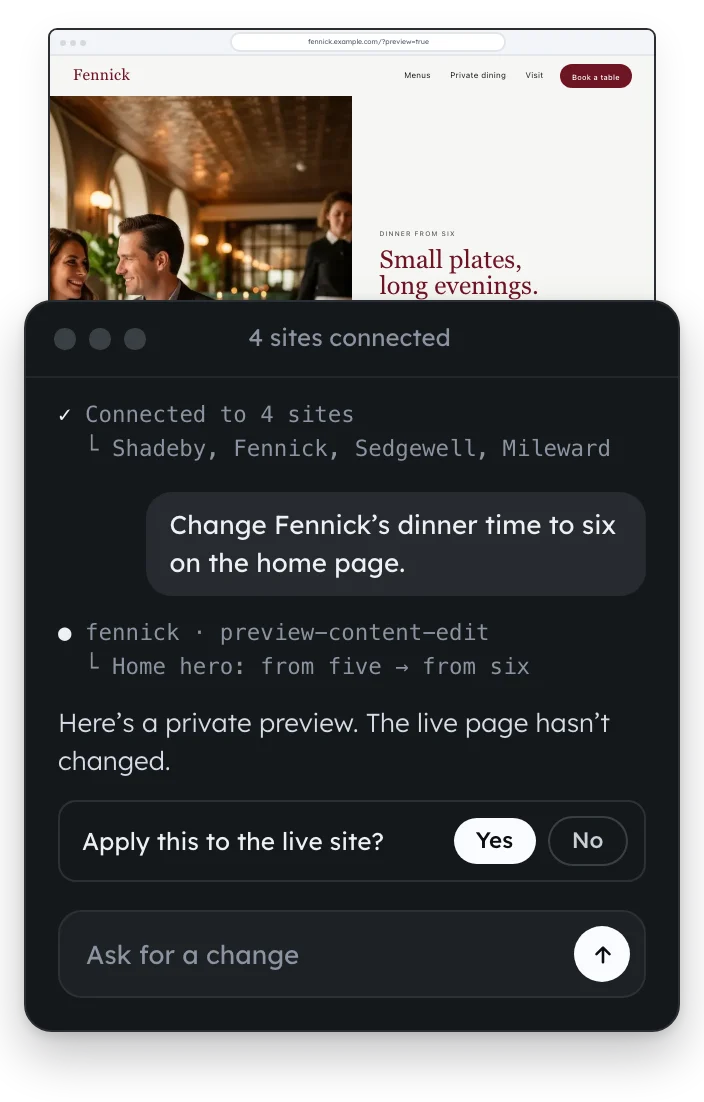
- A change to a live page comes with a private preview, and it’s made only once you approve it.
- It acts as your WordPress account, and checks your permissions again before every change.
Your own support agent.
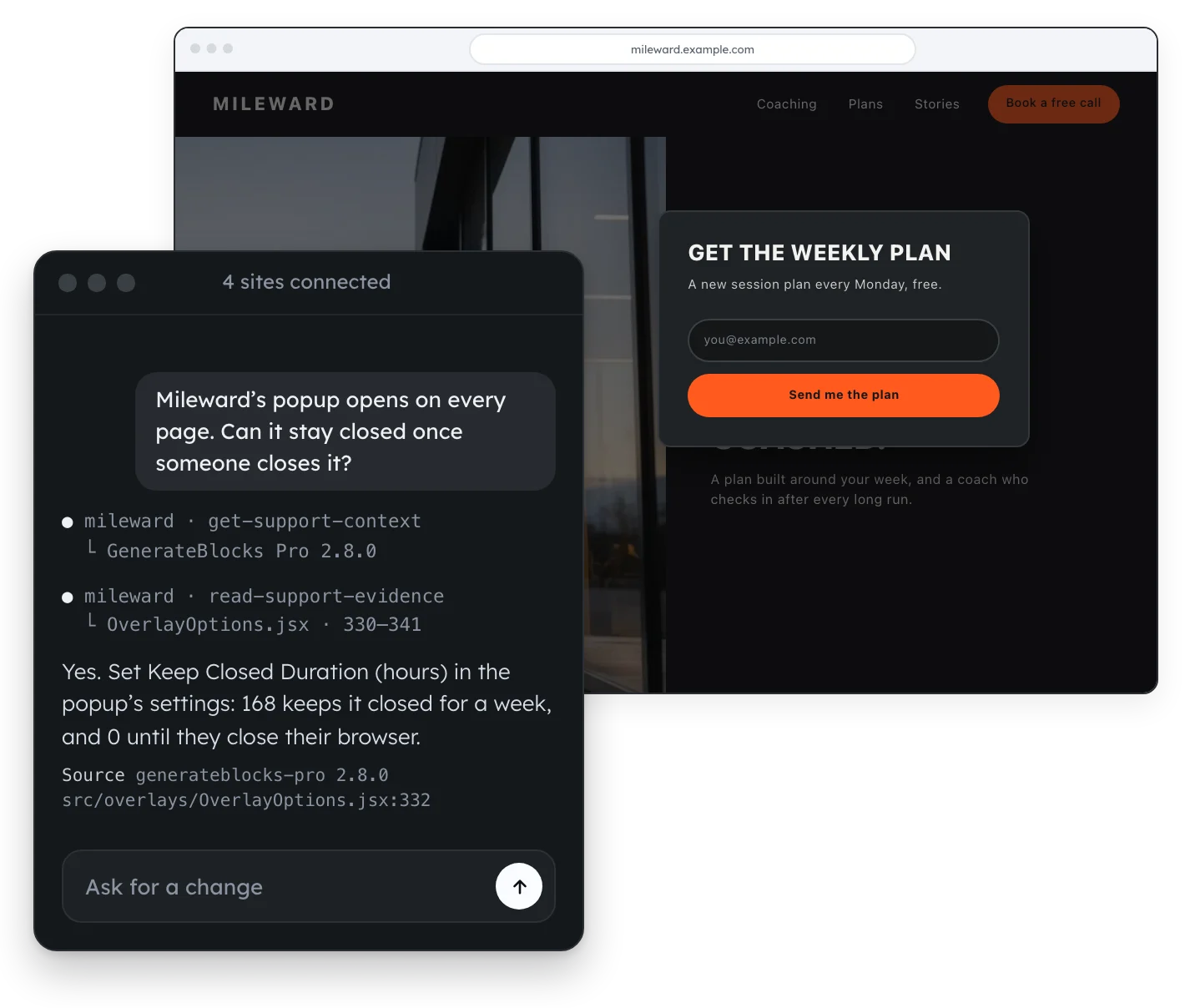
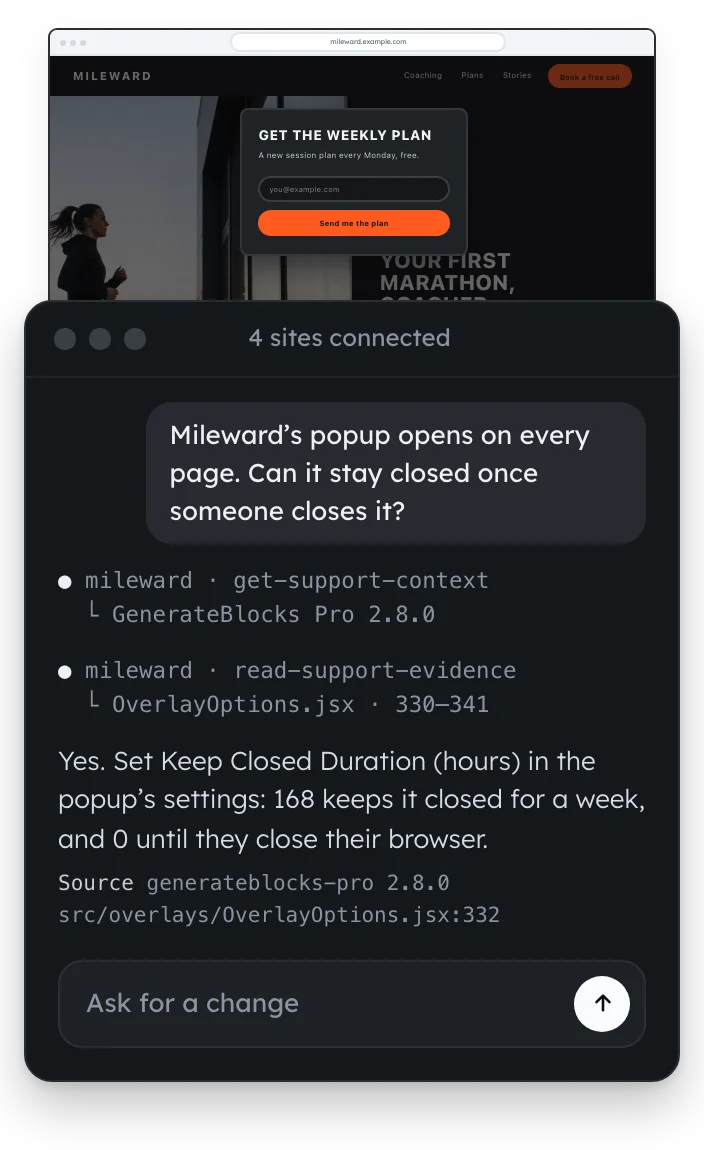
Ask why something on your site behaves the way it does. The AI reads the official source code for GeneratePress, GP Premium, GenerateBlocks, GenerateBlocks Pro and WordPress, at the versions you have installed, and answers with the file it found the answer in.
It builds with your design system.
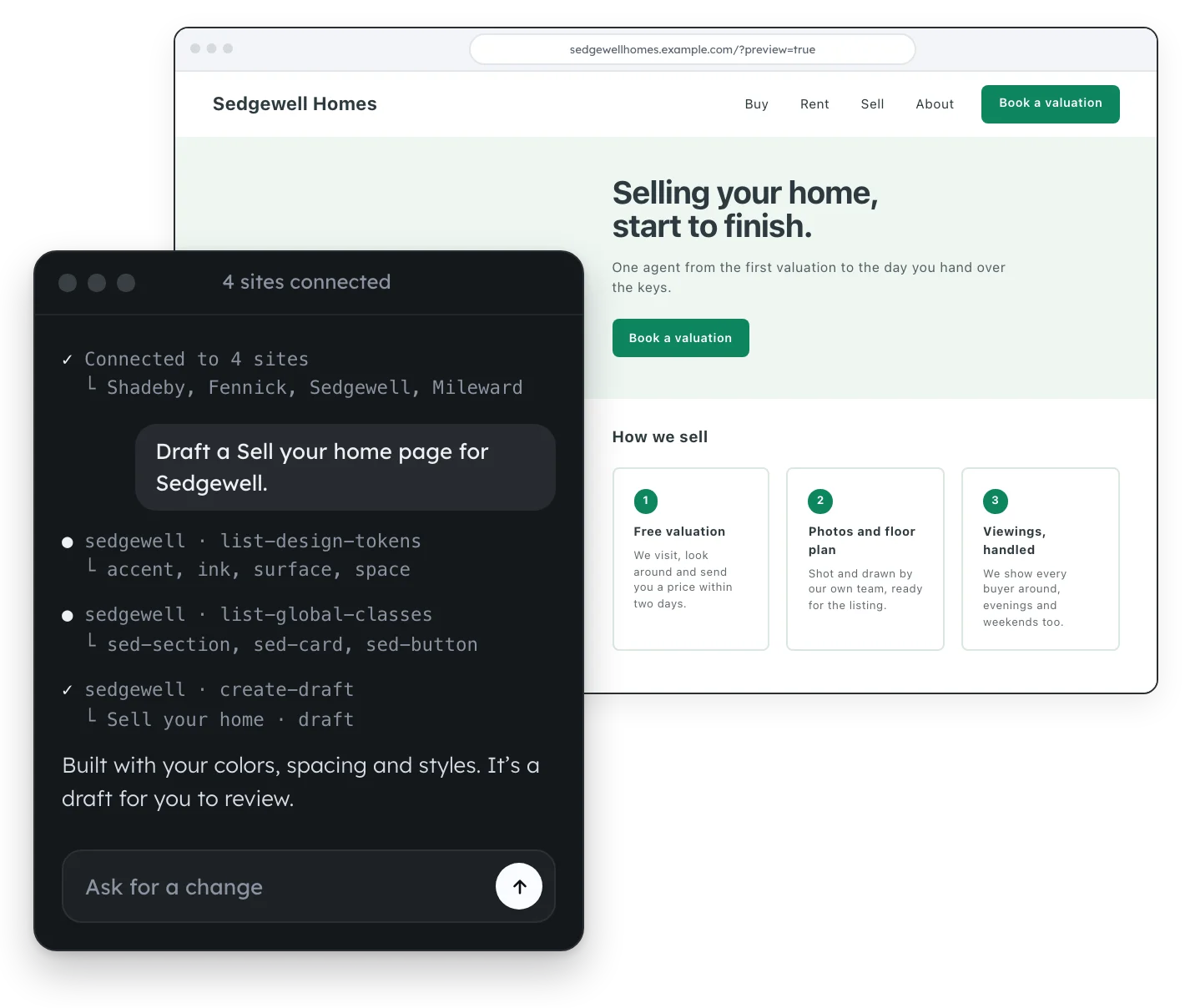
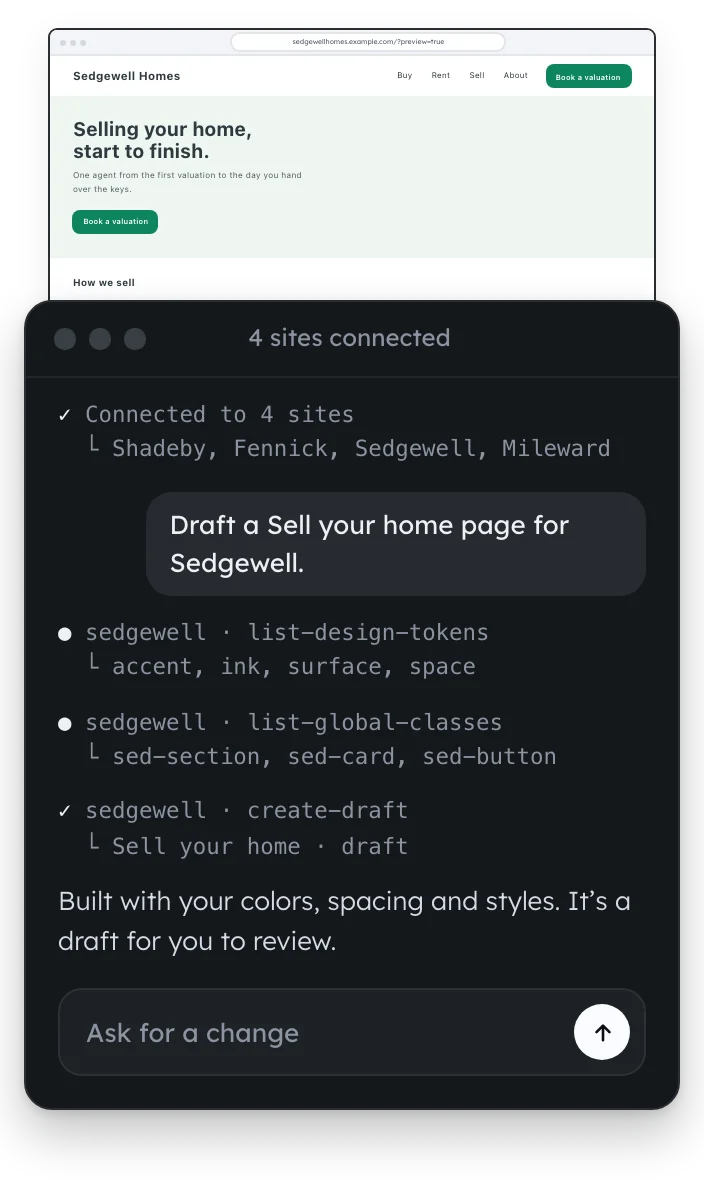
Before it builds anything, it reads your colors, spacing, styles and patterns, then uses them by name. Every page it makes looks like the rest of your site.
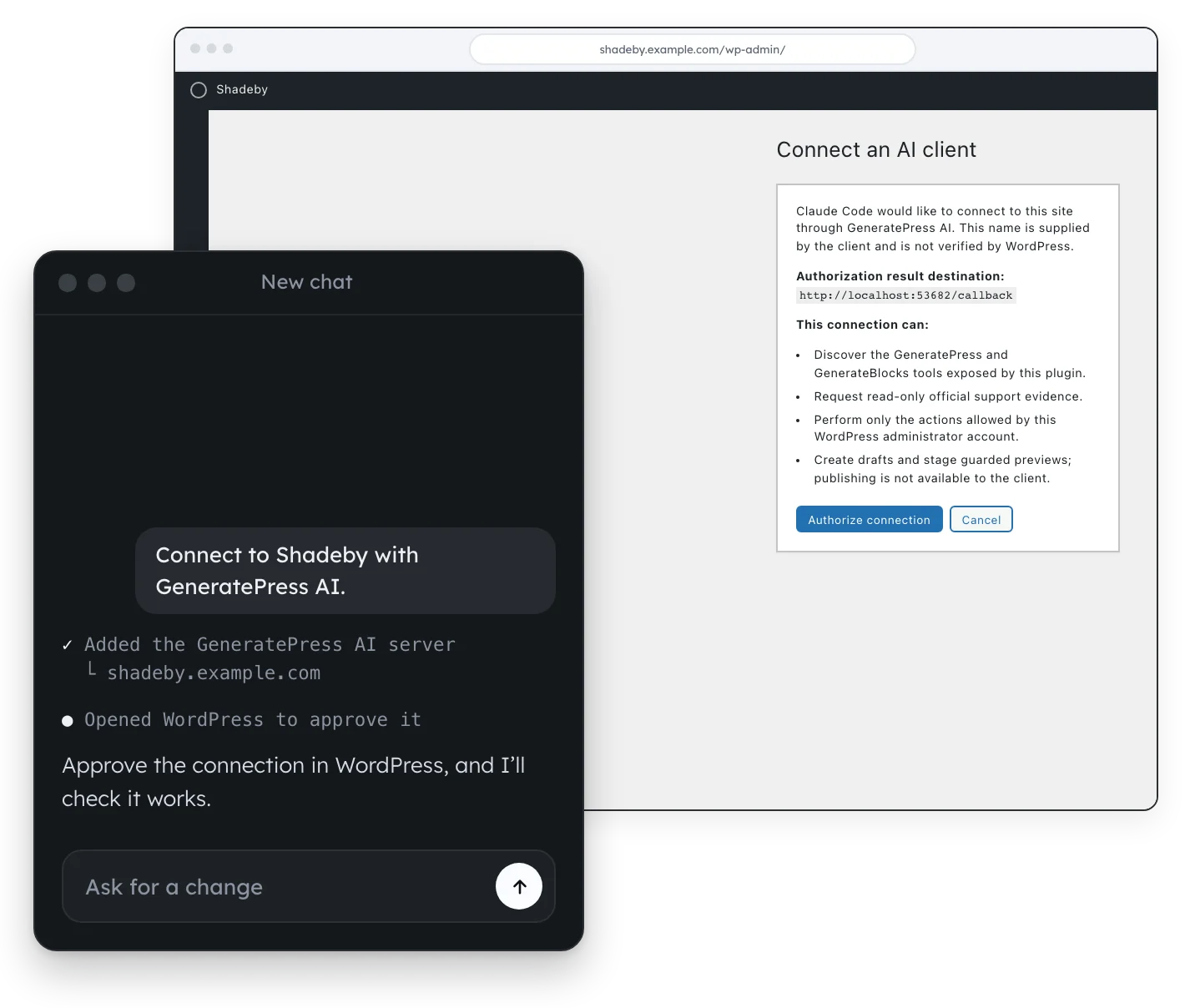
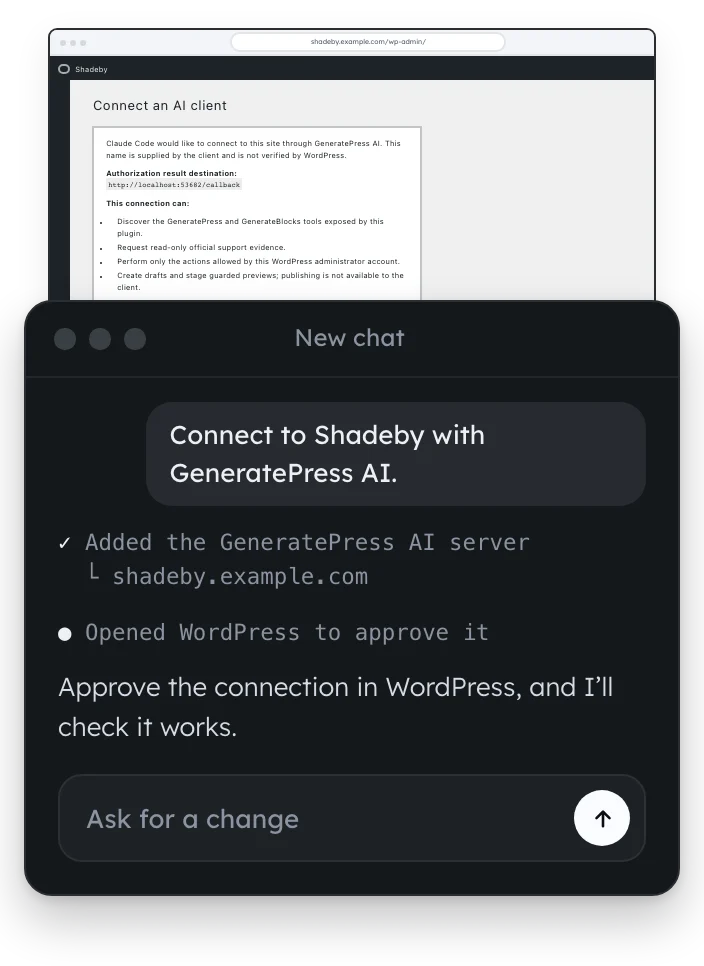
Connect your AI in three steps.
- Install GeneratePress AI and open its connection guide.
- Copy the setup prompt into a new chat in the AI app you use.
- Approve the connection in WordPress.
You’re looking at it.
Here’s what we built with GeneratePress AI for this site.
The pages
Home, Pricing, this page and every feature page, each built from a request in an AI app.
The design system
The colors, spacing and styles every page shares, as design tokens and Global Styles.
The header and footer
The navigation above and the footer below.
The pricing switch
The 1, 10 and 100 site tabs on Pricing, built with GenerateBlocks Pro’s Tabs block.
No. GeneratePress One works the same whether you connect an AI app or not, and everything GeneratePress AI builds is made of blocks you can edit by hand.
Claude, Codex, Cursor and any other AI app that supports MCP, the open standard for connecting AI apps to other software. The connection guide, linked from your WordPress settings, walks you through it.
No. The pages, forms, popups, headers and footers it makes arrive as drafts for you to publish, and a change to anything already live waits for your approval.
No. GeneratePress AI has no AI model of its own, so there’s no AI provider key to add. You connect the AI app you already use, and approve the connection by signing in to WordPress.
No. GeneratePress AI comes with GeneratePress One. The AI app is your own, on whatever plan you already use with it.
No. It adds no scripts or styles to the pages your visitors see.
Yes, if it’s a single WordPress site you administer, live over HTTPS or on your own computer, with an up-to-date WordPress. It builds with GenerateBlocks and the styles and patterns you already have. Multisite networks aren’t supported.
Talk to your site with GeneratePress One.
Describe the page you need and get a draft that already matches your site. GeneratePress AI is included, along with the theme and blocks it builds with.
Get GeneratePress One